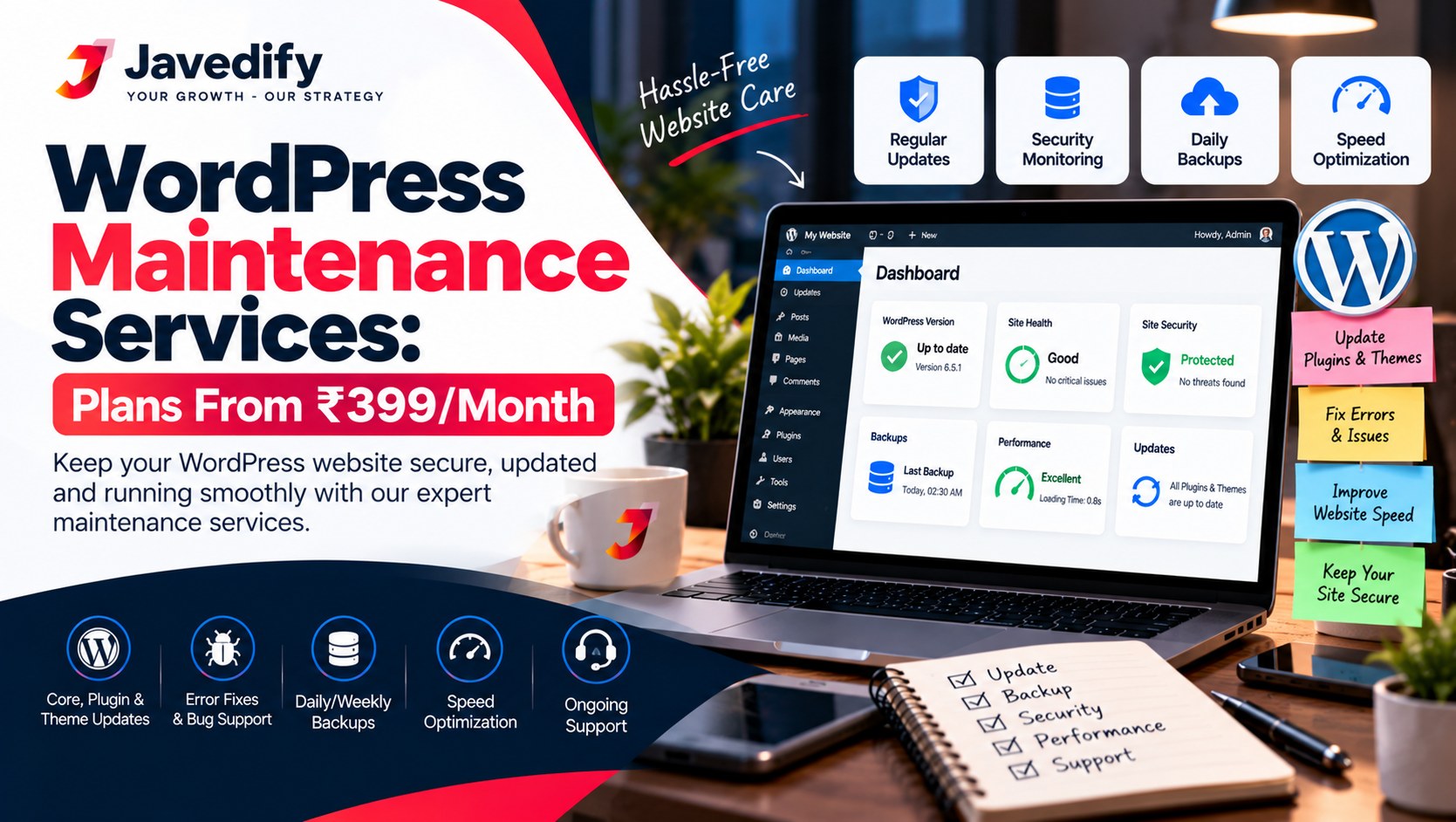
WordPress Maintenance Services (2026): Monthly Plans From ₹399 to ₹1,499
WordPress maintenance services keep your WordPress website updated, backed up, secure and running smoothly every month, so problems are fixed before your visitors notice them. Javedify's WordPress maintenance plans cost from ₹399 to ₹1,499 a month, depending on the size of your website and the work it needs, and the service works online for website owners anywhere.
This guide explains WordPress maintenance services step by step: what maintenance is, what a monthly plan covers, how the work is done, what is not included, how to check that a provider is really doing the work, and how to choose the right plan. Read it before you pay anyone to look after your WordPress site, including us. Prices in this guide were checked in October 2026 and are listed in Indian rupees.
What Are WordPress Maintenance Services?
WordPress maintenance services are the regular care that a WordPress website needs after it is built. WordPress itself, your theme and your plugins are all software, and software changes. New versions are released, old versions stop working with new ones, and weak spots get found. Maintenance means someone checks and handles these things on a schedule, so your site stays safe, fast and online.
- Updates. WordPress core, themes and plugins are kept up to date.
- Backups. A saved copy of your site, so it can be restored if something breaks.
- Security checks. Looking for weak points and suspicious changes.
- Speed and uptime. Making sure pages load well and the site stays online.
- Fixes. Repairing broken forms, links, layouts and plugin conflicts.
- Reports. A clear summary of what was done each month.
WordPress Maintenance Services Price: ₹399 to ₹1,499 a Month
Our WordPress maintenance plans start at ₹399 a month and go up to ₹1,499 a month. Where your site falls in this range depends on factors that change how much checking and fixing it needs.
What changes the monthly priceLower end (towards ₹399)Higher end (towards ₹1,499)Size of the websiteA small site with a few pagesA larger site with many pages and contentPlugins and featuresA few simple pluginsMany plugins, forms, memberships or bookingsOnline storeNo storeA WooCommerce store with orders and paymentsChecks neededRoutine updates and backupsMore frequent checks and more support
We list the exact tasks and the exact monthly price in writing before you start, so you know what you are paying for. Ask us for a free quote with your website link and we will tell you which plan fits.
What Is Included in WordPress Maintenance Services?
These are the tasks a good WordPress maintenance plan covers. Ask for the list for your plan in writing.
1. Updates for WordPress, Themes and Plugins
WordPress.org recommends that you always update WordPress to the latest version. Plugins and themes need updates too, and an update can sometimes clash with another plugin. That is why updates are done carefully, after a backup, and checked afterwards.
2. Regular Backups
A backup is a saved copy of your site files and database. WordPress.org advises that it is a good idea to back up your website before you update, so if there are issues you can restore it. A maintenance service takes backups on a schedule and before changes, so you do not rely on luck.
3. Security Checks
The site is checked for outdated components, unused plugins and suspicious changes. Removing plugins and themes you do not use also reduces risk.
4. Speed and Uptime Checks
Slow pages lose visitors. The service watches page speed and whether the site is online, and fixes common causes of slowness, such as heavy images and unused plugins.
5. Bug Fixes
When a form, menu, checkout or page layout stops working, it is fixed as part of the plan, within the scope that was agreed.
6. Monthly Report
You get a summary of what was updated, what was found and what needs your decision. If there is no report, you cannot tell whether the work is happening.
Source for the update and backup advice: WordPress.org: Updating WordPress.
How WordPress Maintenance Works: Step by Step
- Share your website details. You send your website link and tell us what the site does and what worries you. Access is shared only as needed.
- Review. The provider checks versions, plugins, speed, errors and security, and tells you what it finds.
- Agree the plan in writing. You receive the list of tasks and the monthly price. Nothing is hidden.
- Backup first. A backup is taken before any change.
- Updates and fixes. Updates are applied, and the site is checked afterwards to confirm that pages, forms and checkout still work.
- Security and speed checks. Problems are fixed or flagged to you.
- Monthly report. You see what was done.
- Support. If something breaks between reports, you can contact the provider and get a clear answer.
What Is Not Included in a Maintenance Plan
Being clear about limits is part of an honest service. A maintenance plan covers care and routine fixes, so these usually cost extra or need a separate quote:
- A full redesign or a new theme
- New pages, new content and new features
- Large custom development work
- Recovery of a site that was already badly damaged before the plan started
- Marketing, SEO and advertising, which are separate services
We tell you before we start whether your request is covered by the plan or needs a quote. If you also want to be found on Google, see our SEO services.
Monthly WordPress Maintenance Checklist You Can Use
You can use this checklist to check any provider, including us.
- Do you know when the last backup was taken and where it is kept?
- Are WordPress, your theme and your plugins on current versions?
- Have unused plugins and themes been removed?
- Do forms, checkout, login and contact buttons work?
- Does the site load quickly on a phone?
- Is the SSL certificate (the padlock) valid, and when does it expire?
- Do you know your domain and hosting renewal dates?
- Did you receive a written report this month?
Monthly Plan vs Fixing Problems Only When They Happen
PointMonthly maintenance planFix only when it breaksCost patternA small fixed fee each monthA bill only when something goes wrong, which can be largeWhen problems are foundEarly, during routine checksLate, often after visitors noticeBackupsTaken on a scheduleOften missing when you need themBest forBusiness, lead and store websitesHobby sites that can wait
How to Choose a WordPress Maintenance Provider
- Ask for a written list of what each plan includes and what costs extra.
- Confirm that a backup is taken before updates.
- Ask how problems are reported to you and how fast you get a reply.
- Ask what access you need to share and how it is handled.
- Check that you receive a monthly report.
- Keep ownership of your domain, hosting and website in your own name.
Red Flags to Avoid
- No written list of tasks
- No backups, or no way to restore your site
- Requests for more access than the work needs
- No reports, and no answers when you ask what was done
- Promises that your site will never be hacked or never go down
WordPress Maintenance Services: Frequently Asked Questions
How much do WordPress maintenance services cost?
Javedify's plans range from ₹399 to ₹1,499 a month, depending on your website's size and needs. We send the exact price and task list in writing before you start.
What is included in WordPress website maintenance?
Updates for WordPress, themes and plugins, backups, security checks, speed and uptime checks, bug fixes and a monthly report. Ask for the list for your plan.
Do I need WordPress maintenance if my site is new?
Yes. Even a new WordPress site needs updates, backups and checks, because WordPress, themes and plugins keep changing.
Can you maintain my WordPress site if someone else built it?
Yes, in most cases. Send us your website link, and we will review it and tell you what it needs before you pay.
Do you maintain WooCommerce stores?
Yes. A WooCommerce store has orders and payments, so it usually sits at the higher end of the price range. Send us your link for a quote.
Do I have to give you my admin password?
The provider needs some access to do the work. Share only what is needed, use a separate user account where possible, and change passwords when the work ends.
What happens if my WordPress site is hacked or breaks?
With a recent backup, the site can be restored and the cause can be looked at. A site that was already badly damaged before the plan began may need separate recovery work, quoted before we start.
Is hosting included in a maintenance plan?
No. Hosting keeps your site on a server. Maintenance is the work done on the WordPress site itself. Ask any provider to confirm what their plan covers.
Can I cancel the plan?
Ask for the terms in writing before you start, including the notice period and what happens to your access and files.
Is new design or new content included?
Routine maintenance covers care and fixes. New pages, design changes and new features are quoted separately.
How do I start?
Send us your website link and a short note about your site. We will review it and recommend a plan.
Get WordPress Maintenance Services from Javedify
Send us your website link and we will review it and tell you which plan fits, from ₹399 to ₹1,499 a month. Email info@javedify.com, message us on WhatsApp or book a free consultation. The consultation is free, and we will explain what your site needs even if you decide not to hire us. If you need a new website, see our website development service, and read our guides on website maintenance services in India and WordPress website development cost in India.