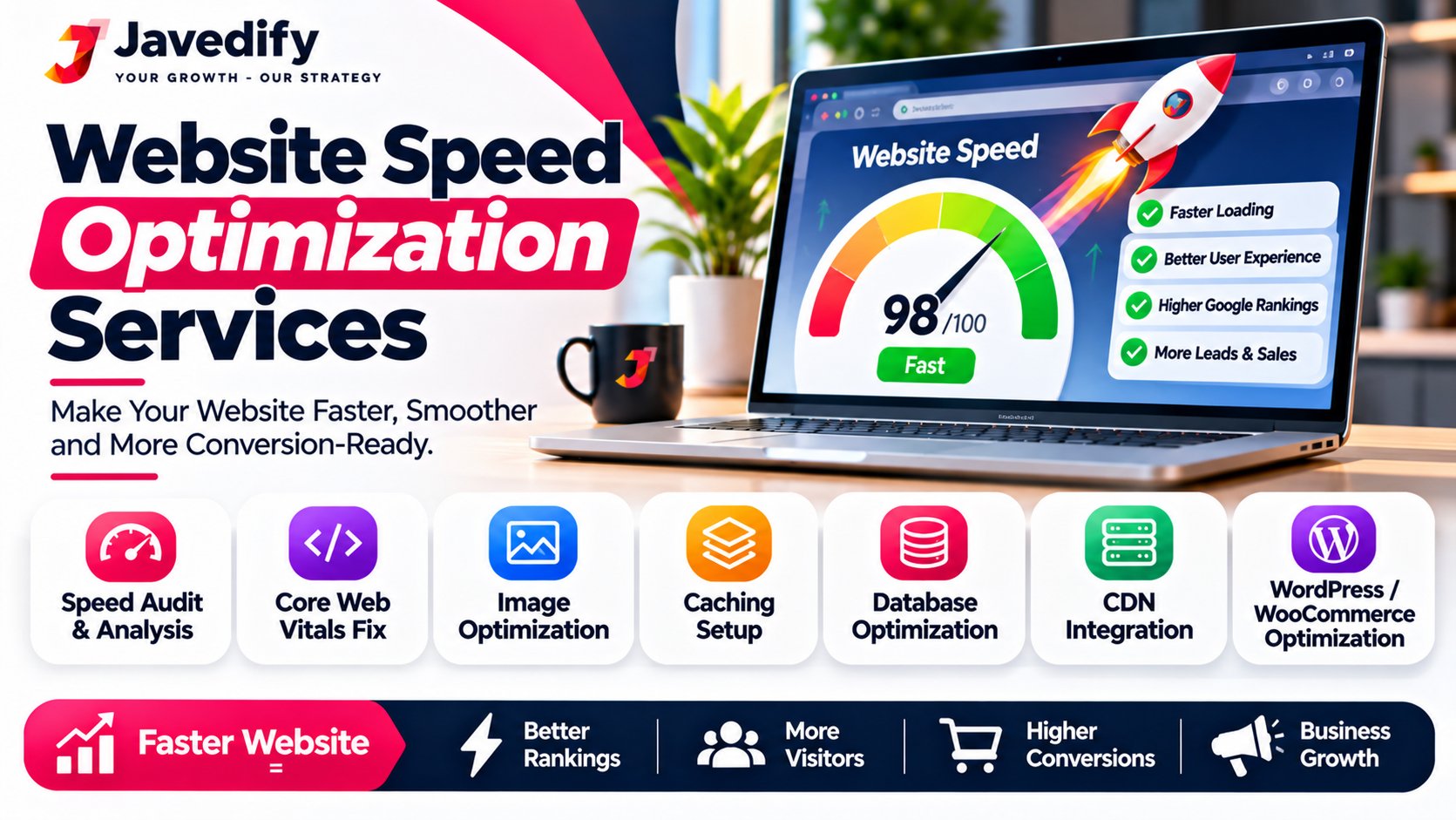
Website Speed Optimization Services: Fix a Slow Website and Keep More Visitors (2026)
By Javed, founder of Javedify, a web design and development company in Mumbai. Last updated November 2026.
Website speed optimization services find and fix the technical reasons your website loads slowly, such as heavy images, extra code, missing caching, slow hosting and a bloated database, so your pages open faster on phones and computers. A good service starts with an audit, fixes the problems, then checks the results against Google's Core Web Vitals targets: Largest Contentful Paint (LCP) of 2.5 seconds or less, Interaction to Next Paint (INP) of 200 milliseconds or less, and Cumulative Layout Shift (CLS) of 0.1 or less. Most projects take about 5 to 15 business days, according to one agency page.
This guide explains website speed optimization services in plain words: why speed matters for leads and Google, how to know if your site is slow, what causes it, what a speed service actually does, how to check your own site for free, what it costs, and how to choose a company that does the work honestly. We cannot promise a particular speed score, because results depend on your hosting, your content and your visitors' devices. Details were checked in November 2026.
Website Speed Optimization Services: Key Points in Short
- What it is: an audit and a set of technical fixes that make your website load and respond faster.
- The targets: LCP of 2.5 seconds or less, INP of 200 milliseconds or less and CLS of 0.1 or less.
- Common fixes: smaller images, cleaner code, caching, better hosting, a tidier database and fewer slow scripts.
- Time: about 5 to 15 business days for a full service, and field results in Google can take about four weeks to show.
- Start free: test your site with PageSpeed Insights, or ask Javedify for a free consultation.
Why Website Speed Matters for Leads and Google
A slow website loses visitors before they read a word. One speed-service page says 40% of visitors leave a page that takes longer than 3 seconds to load, citing Google and web.dev research, and that mobile sites loading in under 2 seconds can double the conversion rate of sites taking 5 seconds, citing a Deloitte report. The same page says Google uses Core Web Vitals as a ranking factor. These are claims by a company that sells speed services, so treat them as signs of direction and not exact promises, and check your own results.
- More enquiries. Visitors who do not wait are visitors who do not call or fill your form.
- Better Google signals. Core Web Vitals measure real visitor experience, and a fast site helps your pages, although speed alone will not make a weak page rank.
- Better ads and SEO returns. If you pay for Google Ads or SEO, a slow landing page wastes that money. Read our guides on SEO services in Mumbai price and Google Ads cost in Mumbai.
- Happier phone users. Most visitors use phones, where slow networks make a heavy page feel even slower.
Core Web Vitals: What Google Measures
MetricWhat it measuresGoodNeeds improvementPoorLCP (Largest Contentful Paint)How fast the main content appears2.5 s or less2.5 to 4.0 sOver 4.0 sINP (Interaction to Next Paint)How quickly the page reacts to taps and clicks200 ms or less200 to 500 msOver 500 msCLS (Cumulative Layout Shift)How much the page jumps around while loading0.1 or less0.1 to 0.25Over 0.25
Thresholds and definitions from Domain India's Core Web Vitals guide (April 2026). A page passes when at least 75% of real Chrome page loads are good on all three metrics. Real-user data in Search Console covers a rolling 28-day window, so after a fix it can take about four weeks to show fully. Lab tools such as Lighthouse are for finding problems, not for judging the final result.
Signs Your Website Needs Speed Optimization
- It takes more than a few seconds to show on your phone.
- PageSpeed Insights shows red or orange scores on mobile.
- Search Console's Core Web Vitals report lists "poor" or "needs improvement" pages.
- The page jumps around while loading, so you tap the wrong button.
- Menus, forms or buttons react late when you tap them.
- Visitors leave quickly, and your bounce rate in Google Analytics is high.
- Your site uses a heavy page builder, many plugins, large images or autoplay videos.
What Makes a Website Slow? Causes and Fixes
CauseWhat it doesTypical fixLarge, uncompressed imagesSlows the first screen and the whole pageResize, compress and convert to modern formats such as WebP or AVIFRender-blocking CSS and JavaScriptStops the page from showing until code loadsMinify, remove unused code, load non-critical scripts laterNo cachingRebuilds the page for every visitorPage and browser caching, and a CDN where it helpsSlow hosting or server responseDelays everything from the startBetter hosting, newer PHP version, server tuningBloated page builders and pluginsAdds heavy code and extra requestsRemove unused plugins, simplify the layout, reduce page sizeDatabase bloat (WordPress)Slows page generationClean old revisions and spam, and index tablesThird-party scriptsChat widgets, trackers and ads can slow reactionsRemove, delay or replace the slow onesFont loading and layout shiftsText flashes and content jumpsPreload fonts, set image sizes, reserve space for embeds
Causes and fixes follow Creative Web Mall, Website Maintenance Services and Domain India. Fixes differ by platform, so a WordPress site, a WooCommerce store, a Shopify store and a custom Laravel or Next.js site each need different work.
What Do Website Speed Optimization Services Include?
AreaWhat a good service doesAudit and baselineTests mobile and desktop speed, checks real-user data and finds the main bottlenecks before changing anythingImages and mediaCompresses, resizes and lazy-loads images, and keeps the main hero image loading firstCode cleanupMinifies CSS and JavaScript, removes unused code and defers scripts that block the pageCaching and compressionSets up page caching, browser caching and compression such as Gzip or Brotli, and a CDN if neededServer and hostingChecks response time, PHP version and server settings, and advises on better hostingDatabase cleanupRemoves old revisions, transients and spam on WordPress sitesFonts and layout stabilityLoads fonts correctly and sets sizes so the page does not jumpMobile performanceReduces heavy mobile payloads and slow scriptsReportShows before-and-after scores and what was changed
The Website Speed Optimization Process
- Audit and baseline. Record the current mobile scores for LCP, INP, CLS and server response time.
- Find the bottlenecks. Identify the heavy images, blocking scripts, database problems and slow server responses.
- Fix the problems. Apply the image, code, caching and server changes, with a backup taken first.
- Test again. Check the scores and also test the site on real phones, forms and checkout.
- Report and monitor. Share before-and-after results and keep watching Search Console.
How to Check Your Own Website Speed for Free
- Open your site on your phone using mobile data, not Wi-Fi. Time how long the first screen takes.
- Run PageSpeed Insights on your home page and your main service page. It shows real-user data, if available, and lab data.
- Check Search Console. The Core Web Vitals report shows which pages are good, need improvement or are poor, based on real visitors.
- Look at the biggest problems first. Large images and slow server response are often the easiest wins.
- Test again after any change. Wait several weeks before judging real-user results.
Quick Speed Wins You Can Try Yourself
- Resize and compress your large images before you upload them.
- Remove plugins and widgets you do not use.
- Do not autoplay large videos on the first screen.
- Set width and height on images, so the page does not jump.
- Keep WordPress, themes and plugins updated.
- Use caching if your host or platform offers it.
If you are not comfortable changing code, or you run a store, hire a professional. A wrong change can break a form or a checkout page.
How Much Do Website Speed Optimization Services Cost?
The cost depends on the platform, the size of the site and how much work the audit finds. We could not find a reliable public price list for Indian providers, and many companies quote only after an audit. For reference, one US-based service lists a $99 audit, $199 for a standard WordPress speed package, $349 for WooCommerce and custom pricing from $499 a month for ongoing enterprise work, with 24 to 48 hours as its average completion time. That is one company's pricing in dollars, and prices in India differ, so ask for a written quote in rupees.
- What raises the price: store or app complexity, many plugins and a very heavy design, custom code, slow hosting you must move away from, and a rush timeline.
- What lowers it: a smaller site, a clean build, and giving access to your hosting and website quickly.
- Cheaper alternative: if your site is old and built on a heavy template, a redesign may cost less than endless speed fixes. Read our guide on how much does a website cost, or see our website development service.
How Long Does Website Speed Optimization Take?
Creative Web Mall says most projects finish within 5 to 15 business days, depending on website size and complexity. Website Maintenance Services lists an average completion of 24 to 48 hours for its standard WordPress package. Fixes can show in lab tools at once, but Google's real-user data covers a 28-day window, so it takes about four weeks to see the full effect in Search Console.
How to Choose a Website Speed Optimization Company
- Do they audit first and show you what is slow, in simple words?
- Do they take a backup before they change anything?
- Do they test on mobile and on real devices, not only desktop tools?
- Do they give a before-and-after report?
- Do they work with your platform, such as WordPress, WooCommerce, Shopify, Laravel or Next.js?
- Do they explain what they will not fix, such as a very slow hosting plan?
Red Flags to Avoid
- A guaranteed perfect score of 100 or a fixed PageSpeed number
- Promises of ranking improvements or more sales as a result of speed alone
- No backup before changes
- Removing features that bring you leads, such as forms or WhatsApp buttons
- No report or no way to check the results yourself
Keep Your Website Fast After the Fix
A fast website can slow down again as you add images, plugins and scripts. Keep a simple routine: compress images before upload, update your software, remove unused plugins and check Search Console's Core Web Vitals report every month. Our website maintenance plans start from ₹499 a month, and WordPress plans from ₹399 a month. Read our guides on website maintenance services and WordPress maintenance services.
Get a Free Website Speed Check from Javedify
Not sure what is slowing your website down? Book a free consultation and share your website link. Javed will look at your site and explain in plain words what is slowing it down and what to fix first, free, with no pressure to buy, even if you never hire us. We cannot promise a particular speed score, because results depend on your hosting and content, but we will tell you honestly what is possible. You can also email info@javedify.com, message us on WhatsApp or call +91 89284 87610. See our website development and SEO services, and our portfolio.
Website Speed Optimization Services: Frequently Asked Questions
What are website speed optimization services?
They are professional services that audit your website, find what makes it slow, fix the problems and check the results, so pages load faster and pass Google's Core Web Vitals.
What is a good website loading time?
Google's Core Web Vitals aim for the main content to appear within 2.5 seconds (LCP), the page to react within 200 milliseconds (INP) and the layout to stay stable, with a score of 0.1 or less (CLS).
How can I improve my website speed?
Compress and resize images, remove unused plugins, enable caching, keep your software updated, use good hosting, and delay slow third-party scripts. A speed service handles these and the technical fixes.
Does website speed affect SEO?
Speed and Core Web Vitals are part of how Google measures the page experience, but good content and links still matter more for ranking. A slow site can also lose visitors even if it ranks.
What are Core Web Vitals?
They are three measures of real visitor experience: loading (LCP), responsiveness (INP) and visual stability (CLS).
How much do website speed optimization services cost?
It depends on your platform and the problems found. One US service lists a $99 audit, $199 for a standard WordPress package and $349 for WooCommerce, in dollars. Ask Indian companies for a written quote in rupees.
How long does website speed optimization take?
About 5 to 15 business days for a full project according to one agency, and 24 to 48 hours for a standard WordPress package according to another. Real-user results in Google take about four weeks to show.
Can you guarantee a 90+ PageSpeed score?
No honest company can guarantee a score, because it depends on your hosting, content, plugins and the test conditions. Be careful with anyone who does.
Why is my WordPress website slow?
Common reasons are large images, too many plugins, a heavy page builder, no caching, slow hosting and a bloated database.
Do you optimise Shopify, WooCommerce and custom websites?
Speed work differs for each platform. Book a free consultation and share your website, and we will tell you what can be improved on your site.
Is it better to redesign than to optimise a slow website?
If the site is old or built on a very heavy template, a redesign can be cheaper and faster than many fixes. A free consultation can help you decide.
Will speed optimization break my website?
It can if done carelessly. A good company takes a backup first, tests forms, checkout and key pages, and shows you the results.
Start with Javedify
Email info@javedify.com, message us on WhatsApp, call +91 89284 87610 or book a free consultation. Visit javedify.com to see all our services.