Meesho Seller Account Login App: How to Download and Log In (2026)
By Javed, founder of Javedify, which helps sellers manage Amazon, Flipkart and Meesho accounts. Last updated November 2026.
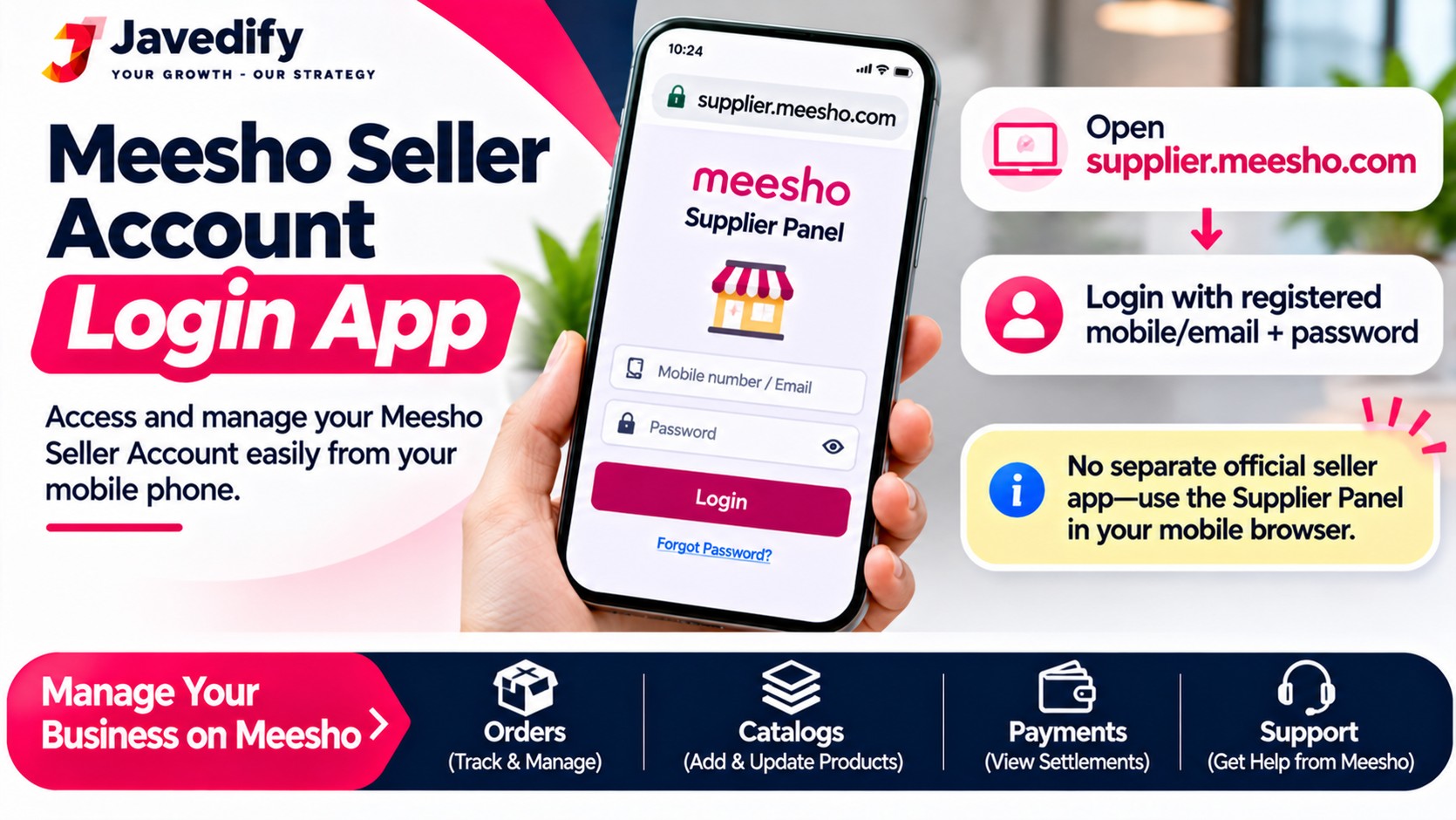
To use your Meesho seller account login app, search for the Meesho supplier (seller) app on Google Play or the Apple App Store, install it, and log in with the mobile number or email linked to your seller account, then enter the OTP (or your password, if your account uses one). On a computer, you can log in at supplier.meesho.com. Do not use the regular Meesho shopping app: it is for buyers and will not show your seller dashboard.
This guide gives you the exact steps for the app and the web panel, what to do if the OTP does not come or the login fails, what you can do inside the seller app, and how to stay safe from fake login pages. Details were checked in November 2026 against third-party guides, because Meesho's own pages were not reachable for us. Meesho can change its login flow, so where we are unsure we say so.
Meesho Seller Account Login App: Key Points in Short
- Use the seller (supplier) app, not the buyer app. Search "Meesho Supplier" in the store and check that the publisher is Meesho.
- Web login is at supplier.meesho.com with your registered mobile number or email.
- OTP is the common method. Some guides also mention password login and a "Forgot Password" option, so use whichever your screen shows.
- Never share your OTP and never log in on a link from a message or ad.
- No account yet? Register first. Read our guide on Meesho seller registration.
How to Download the Meesho Seller App
- Open Google Play (Android) or the App Store (iPhone).
- Search "Meesho Supplier" (the app may also appear as "Meesho Supplier Hub"). One guide advises using this search instead of the regular Meesho app.
- Check the publisher is Meesho, and read the app description. Avoid copies from unknown developers.
- Tap Install and open the app.
How to Log In to Your Meesho Seller Account on the App
- Open the seller app.
- Enter your registered mobile number or email, the one you used when you created your seller account.
- Enter the OTP sent by SMS or email. If your account uses a password, enter it instead and tap Log In.
- You land on your seller dashboard, where you can see orders, catalog, payments and returns.
How to Log In on a Computer (Seller Panel)
- Open supplier.meesho.com in your browser. Type the address yourself or use a bookmark.
- Enter your registered mobile number or email.
- Enter the OTP (or password) and log in.
The web panel is easier for uploading many products or reading long reports. The app is faster for quick checks and order updates.
Meesho Seller Login Problems and Fixes
ProblemLikely causeWhat to tryOTP not receivedWrong number, weak network or delayWait about 60 seconds and tap Resend OTP; check the number; try email login if availablePassword not workingWrong password or Caps LockUse "Forgot Password" and follow the reset linkSeller dashboard not showingYou opened the buyer appInstall and use the seller app or supplier.meesho.comPanel not loadingBrowser cache or slow connectionClear cache, try incognito or another browser or deviceAccount inaccessible after many triesToo many failed attempts or account issueWait a while, then contact Meesho seller support through the help option in your panelNew seller cannot log inRegistration or approval not finishedFinish registration and wait for approval, which one guide says is usually within a day or so
A third-party guide lists a Meesho support email, but we could not confirm it from Meesho's own site, so we do not repeat it here. Use the help or support option inside your seller panel instead.
What You Can Do Inside the Meesho Seller App
- Dashboard and business insights: sales and performance
- Catalog: add and edit products, prices and stock
- Orders: see new orders and shipping status
- Payments: check settlements and payment dates
- Returns: track returns and the reasons
- Ads and campaigns: one guide says ads are for GST sellers only
- Account settings: profile, bank and GST details
Section names can vary by app version. One third-party guide says the payment cycle is 7 days from the delivery date, not the order date. Check your own panel for your exact cycle. To understand how Meesho earns, read our guide on how does Meesho make money.
Stay Safe: Avoid Fake Meesho Login Pages
- Open supplier.meesho.com by typing it or from the official store app, not from links in WhatsApp, SMS or ads.
- Never share your OTP, password or bank details with anyone who calls you, even if they say they are from Meesho.
- Do not install apps or "APK" files shared on social media or Telegram.
- Do not hand your login to agents or freelancers without a clear arrangement. If you give someone access, change the password afterwards and use only the number and email you control.
- Look for the https padlock, but remember a padlock alone does not prove a site is real.
Do You Need Help Managing Your Meesho Account?
Logging in is the easy part. Growing sales is the harder part: catalog quality, pricing, returns and ads. Javedify offers Meesho account management from ₹2,900 a month for up to 100 SKUs. You can also ask for a free account audit at info@javedify.com before you decide anything. We cannot promise a number of orders, because results depend on your product, price and market, but we will tell you honestly what to fix.
Read our guides on how to sell on Meesho and how to start a business on Meesho. You can also message us on WhatsApp or call +91 89284 87610.
Meesho Seller Account Login App: Frequently Asked Questions
Which is the Meesho seller login app?
It is the Meesho supplier (seller) app. Search "Meesho Supplier" on Google Play or the App Store and check the publisher is Meesho. The regular Meesho app is for buyers.
How do I log in to my Meesho seller account?
Open the seller app or supplier.meesho.com, enter your registered mobile number or email, then the OTP or password, and log in.
Can I log in to the seller account using the regular Meesho app?
No. The buyer app does not show the seller dashboard. Use the seller app or the web panel.
What is the Meesho seller panel link?
The web address is supplier.meesho.com. Type it yourself to avoid fake pages.
Why is the OTP not coming on the Meesho seller app?
Common reasons are a weak network, a wrong or unregistered number, or a delay. Wait about a minute and resend, check your number, or try email login.
What if I forgot my Meesho seller password?
Use the "Forgot Password" option and follow the reset link. Some accounts use only OTP login.
Can I use one Meesho seller account on two phones?
You can usually log in on another device with your OTP, but be careful with security and do not share your OTP with others.
Is the Meesho seller app free?
The app is free to download. Meesho has described zero commission for sellers, but there can be other costs such as ads and shipping, so check your panel.
Can I register a new seller account in the app?
Yes, you register with your mobile number and details such as GST or Enrolment ID and bank information. Read our guide on Meesho seller registration.
Why is my Meesho seller account not opening?
Check your internet, clear the cache or update the app, and try the web panel. If it still fails, raise a ticket through the help option in your panel.
Is it safe to give my Meesho login to an agent?
Be careful. Giving your OTP or password to unknown people can lead to losing control of your account and payments. Use only trusted people and change the password afterwards.
Can Javedify manage my Meesho account?
Yes. Our Meesho account management starts from ₹2,900 a month for up to 100 SKUs, and you can ask for a free account audit at info@javedify.com.
Grow Your Meesho Sales with Javedify
Email info@javedify.com for a free account audit, message us on WhatsApp, call +91 89284 87610 or visit our Meesho service page. See javedify.com for all services.